
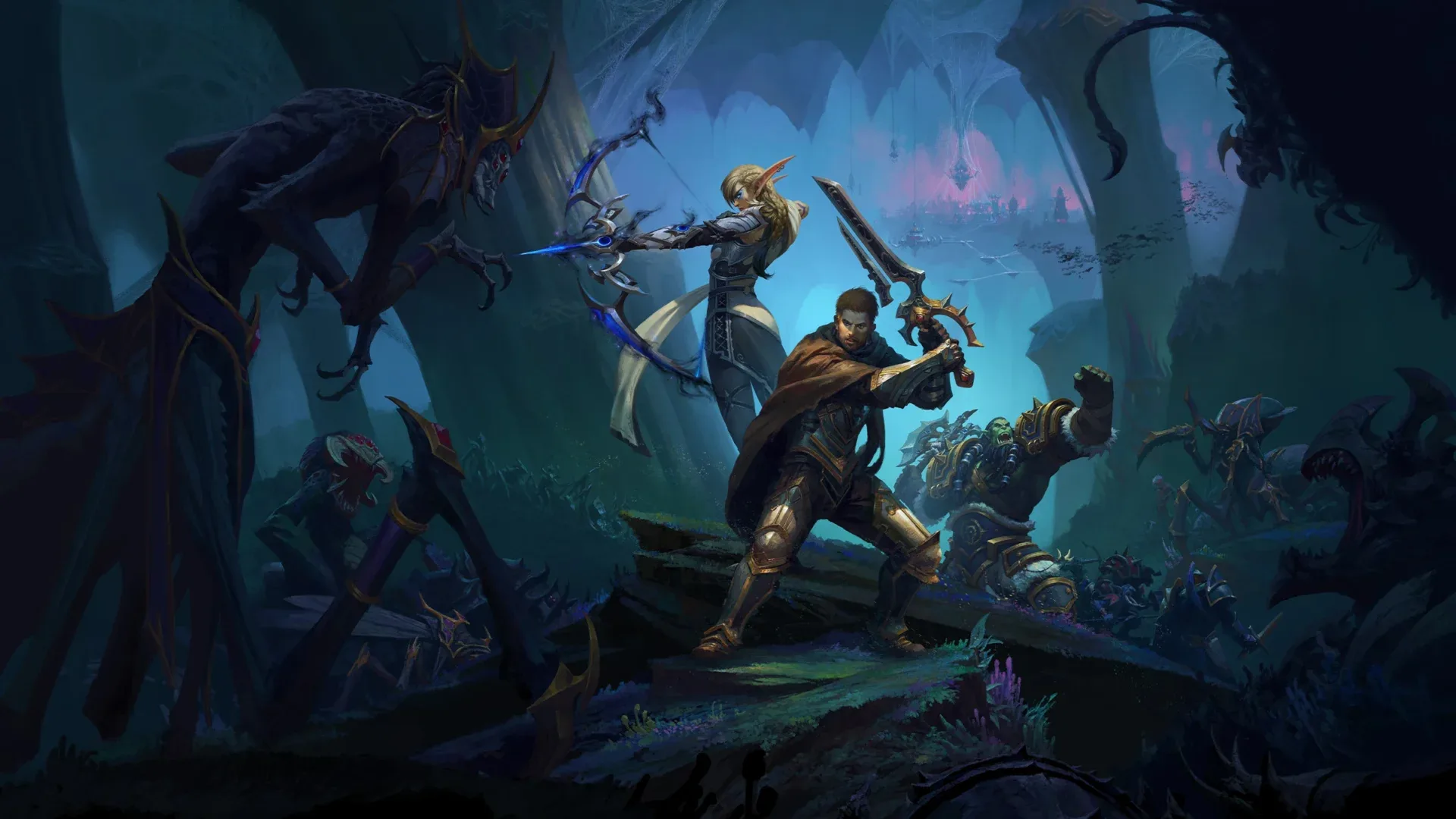
You’ve just wiped on Raszageth the Storm-Eater for the umpteenth time, and frustration is starting to set in. It’s moments like these where you realize that knowing the mechanics isn’t always enough; you need that extra edge to synchronize with your team and execute flawlessly. This is where BigWigs Boss Mods Addon comes into play, a tool designed to enhance your awareness and reaction time in the heat of battle. With its intuitive interface and customizable alerts, you’ll never miss a beat or a cue from the encounter’s intricate dance. Yet, the real question lingers: How can you harness the full potential of BigWigs to not only improve your personal performance but also contribute to the overall success of your raid group? Stay with me as we unpack the secrets to turning your next raid from a trial-and-error slog into a well-oiled machine of precision and teamwork.
Installing BigWigs for Dragonflight
To get started with BigWigs for Dragonflight, you’ll need to download and install the addon to enhance your raiding experience. This boss mod addon is pivotal for navigating the complexities of boss encounters in World of Warcraft. It provides you with critical timer bars and alert messages that inform you of the next big ability or phase change in any given raid encounter.
Installing BigWigs isn’t just about keeping up with the big bosses; it’s also about the mini add-ons that come along with it, like LittleWigs for dungeon encounters. The installation process is straightforward: you can use an addon manager or download the files directly and place them in your WoW folder.

Once installed, you’ll notice how the addon revolutionizes your gameplay. The alerts are timely, ensuring you’re always one step ahead, while the customizable timer bars let you track abilities according to your role, be it tanking, healing, or DPS. Whether you’re a seasoned raider or a newbie venturing into Dragonflight’s challenges for the first time, BigWigs is your trusty companion, ensuring you’re never caught off guard during a raid encounter.
Core Features Overview
At the heart of BigWigs Boss Mods, you’ll find a suite of core features designed to streamline your raiding experience with minimal fuss. These features are meticulously crafted to enhance your gameplay, ensuring you’re always on top of the action without being overwhelmed by unnecessary details. Here’s what you can expect:
- Boss Modules:
- Preloaded for all current raids, including Dragonflight.
- Timely alerts for boss abilities and phases.
- Emphasize crucial mechanics to improve item quality drops.
- Customizable Alerts:
- Visual and auditory notifications that you can tailor to your preferences.
- Options to scale, move, and choose the display of warnings.
- Advanced settings for fine-tuning alert thresholds and durations.
- Additional Tools:
- Encounter-specific features such as range indicators and power trackers.
- Integration with other addons for a seamless UI experience.
- Frequent updates to keep pace with new content and player feedback.
Each element of BigWigs is there to ensure that you’re equipped with the knowledge and tools needed for an efficient and successful raid, without cluttering your screen or distracting you from the fight. Whether it’s a subtle nudge about a critical boss ability or a clear indicator of item quality, BigWigs has got you covered.
Customizing Timer Bars
Building on the solid foundation of default alerts and notifications, customizing timer bars in BigWigs allows you to tailor the information flow to suit your individual playstyle and needs. You’ve got the power to adjust everything from the size and color to the duration and position of each bar, making sure that you’re only seeing what’s most important to you during those nail-biting boss encounters.

When you’re tweaking these settings, it’s not just about aesthetics. It’s about clarity and ensuring that critical abilities don’t get lost in the chaos of battle. Here’s a quick guide to get you started:
| Setting | Description |
|---|---|
| Bar Scale | Adjusts the size of the timer bars |
| Bar Duration | Alters how long a bar remains on screen before an event |
| Font Size | Changes the text size on the bars |
Just hit /bw to open the configuration panel where you’ll find these options and more under the “Bars” section.
Navigating Encounter Warnings
You’ll find that encounter warnings are an essential tool, alerting you to imminent mechanics and critical moments during boss fights. With BigWigs Boss Mods, you’re equipped to handle these surprises. The addon provides visual and audible cues to keep you on your toes.

Here’s a breakdown of how you can navigate these warnings effectively:
- Visual Alerts
- Flash Screen: Your screen flashes when you need to pay extra attention.
- Icons: Important spells get marked with icons for quick recognition.
- Colors: Different mechanics are color-coded for easier differentiation.
- Audible Alerts
- Sounds: Unique sounds for each type of mechanic, so you can react without looking.
- Countdown: Voice countdowns give you a heads-up before critical abilities hit.
- Volume Control: Adjust the sound levels so they’re not drowned out—or overwhelming.
- Customization Options
- Message Settings: Choose which warnings you see and where they appear on your screen.
- Font and Duration: Adjust text size and how long messages stay visible.
- Test Mode: Run simulations to ensure your settings are just right before the real encounter.
Extra Tools and Options
While mastering encounter warnings sharpens your reaction to boss mechanics, BigWigs Boss Mods also offers a suite of extra tools and options to further enhance your gameplay experience. These additional features help you adapt to various situations, whether you’re tracking cooldowns, managing distances, or needing quick access to mod settings during an intense fight.

Here’s a quick look at some of these tools:
| Tool | Functionality |
|---|---|
| Range Indicator | Helps you maintain optimal positioning to avoid spreading or taking damage from area-of-effect abilities. |
| Alternate Power | Displays unique resource systems for certain encounters, giving you the heads-up on when to use special abilities. |
| Info Box | Presents crucial fight details, like stacks of a debuff or the number of players affected by a mechanic. |
Frequently Asked Questions
Can Bigwigs Boss Mods Be Integrated With Other Addons, Such as Damage Meters or Interface Enhancement Addons, Without Causing Conflicts?
You can seamlessly integrate BigWigs with other addons, like Skada for damage metrics, without any hitches. They’re designed to work in tandem, ensuring your gaming experience is as smooth as possible.
How Does Bigwigs Handle Updates for New Raid Tiers and Patches, and Does It Require Manual Updating by the User?
You’ll need to regularly update your addon for new raid tiers and patches, usually through a client like CurseForge or WoWUp, which can automate the process for you. Manual updates aren’t typically necessary.
Are There Any Known Performance Impacts When Using Bigwigs Boss Mods in Large-Scale Raids or in Systems With Lower Specs?
You might notice some slowdown during large raids if your system’s specs are low, but generally, BigWigs is optimized to minimize performance impacts. Adjust settings if you’re experiencing any lag.
How Can Players Contribute to the Development or Improvement of Bigwigs Boss Mods, Such as Submitting Bug Reports or Suggesting New Features?
You can contribute by reporting bugs or suggesting features on the project’s website or through its community forums. Your input helps refine the tool, so don’t hesitate to share your thoughts!
Does Bigwigs Boss Mods Support Older Expansions for Nostalgic or Legacy Content Runs, and How Far Back Does This Support Extend?
You’ll be thrilled to know BigWigs Boss Mods does support older expansions, stretching back to Classic WoW. Perfect for your nostalgic runs, it keeps legacy content challenging and engaging!
More you farm – more WoW SoD gold you get!
Leave a Reply